Why Your Google Ads Can’t Scale Without Proper Conversion Tracking (GA4 + GTM Checklist)
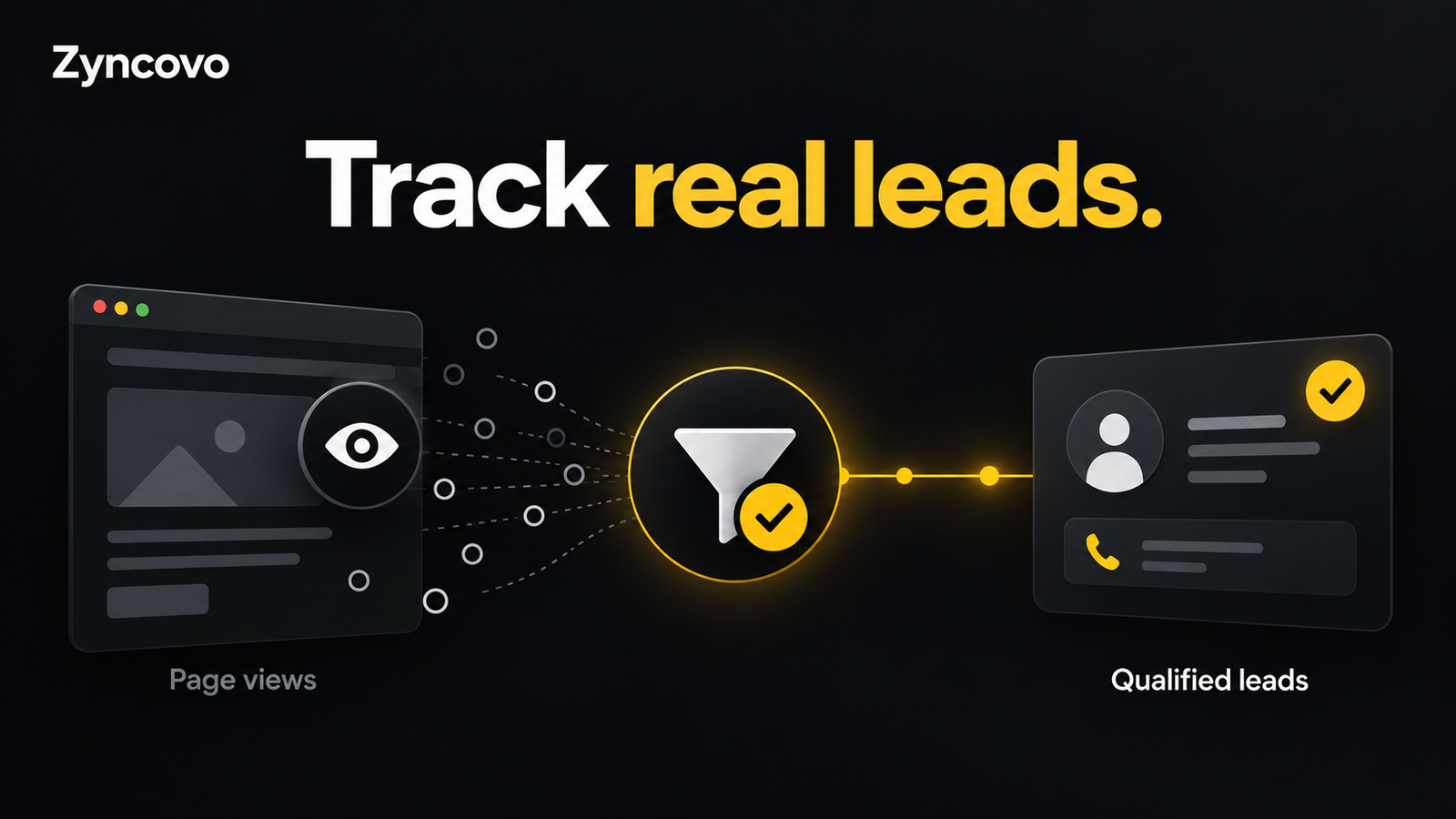
Google Ads scales on data. Every automated bid strategy, from Maximize Conversions to Target ROAS, decides what to pay for a click based on the conversions you feed it. If your Google Ads conversion tracking is missing, duplicated or counting the wrong actions, raising the budget doesn’t buy you more customers. It buys you more of whatever the algorithm thinks a customer looks like, and that picture is wrong.
So before you double your spend, fix the signal. This guide explains why tracking is the ceiling on growth, how GA4 and Google Tag Manager fit together, and gives you a practical checklist to audit your own setup.
It’s written for service business owners (plumbers, clinics, law firms, home services) and ecommerce store owners who run Google Ads and want to know whether their numbers can be trusted.
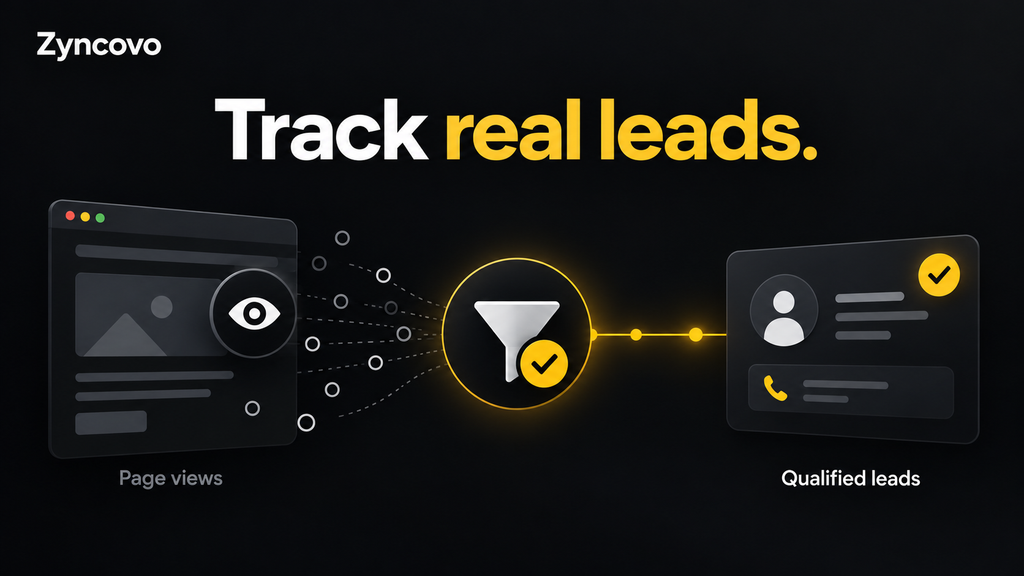
How conversion data controls your ability to scale Google Ads campaigns
Smart Bidding doesn’t know your business. It only knows the conversion actions you tell it to optimise for, and it learns from patterns in those conversions: device, location, time of day, audience, search query and hundreds of other signals.
That creates a simple rule: the bidding system can only be as good as its smart bidding conversion data.
Here’s how that plays out with the two strategies most businesses want to reach:
- Target CPA (tCPA): Google tries to get conversions at your target cost. If a “conversion” is a click on the phone number (not a real call), it will happily find cheap people who tap buttons and never become customers.
- Target ROAS (tROAS): Google bids based on the conversion value you report. Google’s own guidance says Search and Shopping campaigns need at least 15 conversions in the past 30 days, and that you must set values for the conversions you track (Google Ads Help: About Target ROAS bidding). Wrong values mean wrong bids.
When you scale, you ask the algorithm to go further into auctions it hasn’t tested yet. With clean data, it expands into more of your real buyers. With bad data, it expands into more of the wrong people, faster. That’s why many accounts see CPA rise sharply after a budget increase. The budget wasn’t the problem. The signal was.
Professional view: in our experience, tracking issues are one of the most common reasons an account plateaus, more often than ad copy or keyword choice. Fixing measurement first is usually the cheapest way to unlock growth.
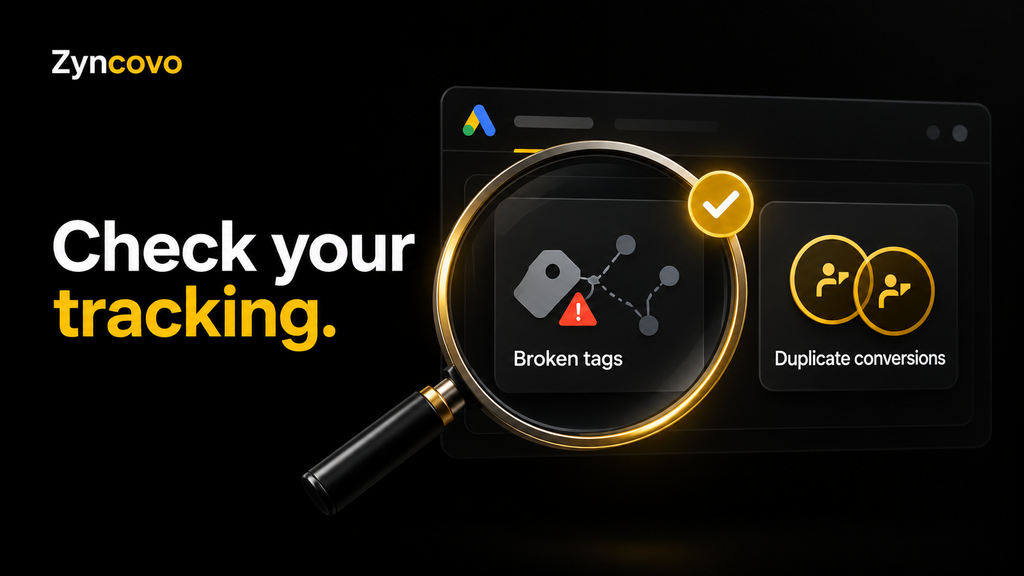
Signs your Google Ads is not tracking conversions correctly
You don’t need to be technical to spot most tracking problems. Compare what Google Ads reports with what actually happened in your business over the same 30 days.
| What you see | What it usually means |
|---|---|
| Google Ads shows more conversions than the leads or orders you received | Duplicate tags, a soft action (page view, button click) set as primary, or both GA4 and Google Ads tags counting the same sale |
| Google Ads shows far fewer conversions than real sales | Tag not firing on some pages, thank-you page skipped, payment gateway redirect breaking the session, or consent blocking measurement |
| Conversions show as “Unverified” or “No recent conversions” | Tag missing, wrong conversion ID/label, or trigger not firing |
| Revenue in Google Ads doesn’t match your Shopify or WooCommerce revenue | Static value instead of dynamic value, currency mismatch, or tax/shipping handled inconsistently |
| Phone leads are your main source but calls aren’t tracked | Only form fills are measured, so bidding ignores your best customers |
| CPA jumps every time you raise the budget | The algorithm is optimising toward low-quality “conversions” |
Why Google Ads conversions are not showing
If conversions aren’t appearing at all, check these first:
- Time lag. Conversions are attributed to the click date and can take up to 24 hours (longer for imported conversions) to show.
- Auto-tagging is off. Without the GCLID on your landing page URLs, Google can’t connect the sale to the click.
- Conversion Linker tag is missing in GTM. This tag stores click information in first-party cookies. Without it, many conversions go unattributed.
- The trigger fires on the wrong event. A common one: the purchase tag is set to fire on a thank-you page URL that your checkout no longer uses.
- Consent settings block the tag. If you serve EEA or UK visitors and consent mode isn’t set up correctly, measurement can drop significantly.
GA4 key events vs Google Ads conversions: what’s the difference?
A GA4 key event is an action you mark as important for analysis. A Google Ads conversion is an action Google Ads uses to report results and set bids. They often describe the same thing, a lead or a purchase, but they are not automatically the same.
Google Analytics renamed GA4 “conversions” to “key events” so the word “conversion” means the same thing across Analytics and Google Ads. The flow Google describes is Event → Key event → Conversion (Google Analytics Help: Events and key events).
| GA4 key event | Google Ads conversion | |
|---|---|---|
| Lives in | Google Analytics 4 | Google Ads (also visible in GA4) |
| Main job | Analysing traffic, behaviour and journeys | Measuring ad results and training Smart Bidding |
| Attribution | GA4’s attribution settings, across all channels | Google Ads’ own attribution, for ad clicks and views |
| Used for bidding? | Only if imported into Google Ads | Yes, if set as a primary action |
Should you use the Google Ads tag or import GA4 conversions to Google Ads?
Both work. Here’s how we’d decide:
- Use the native Google Ads conversion tag (via GTM) for your main bidding goal, especially purchases and leads. It usually attributes more accurately to ad clicks and supports enhanced conversions directly.
- Import GA4 conversions to Google Ads when you want one source of truth, or for secondary actions like newsletter sign-ups, engaged visits or scroll depth on key pages.
- Never set both as primary for the same action. That is the most common cause of duplicate conversions in Google Ads, and it tells Smart Bidding every sale happened twice.
The GA4 + GTM conversion tracking checklist
Use this conversion tracking checklist to audit an existing account or to plan a new GA4 and GTM setup. Work through it in order. Each stage depends on the one before it.
Stage 1: Decide what counts as a conversion
- List the actions that make you money: purchase, booked call, quote request, qualified phone call
- Pick one or two primary conversions for bidding. Everything else is secondary (observed, not optimised)
- Assign a realistic value to each lead type, even if it’s an estimate (for example, average job value × close rate)
- Decide the counting method: “One” for leads, “Every” for purchases
Stage 2: Foundations in Google Ads, GA4 and GTM
- Auto-tagging is turned on in Google Ads
- Google Ads and GA4 are linked
- The GTM container is installed on every page, in the
<head>and right after<body> - One Google tag (GA4) fires on all pages, and there’s no hard-coded GA4 tag duplicating it
- Internal traffic and your own team’s visits are filtered in GA4
Stage 3: How to set up Google Ads conversion tracking with GTM
- In Google Ads, go to Goals → Conversions → New conversion action → Website, and copy the Conversion ID and Conversion Label.
- In GTM, add a Conversion Linker tag set to fire on all pages.
- Create a Google Ads Conversion Tracking tag with the ID and label.
- Trigger it on the real success event: a purchase data layer event, a form submission success message, or a thank-you page that only real customers can reach.
- For ecommerce, pass dynamic value, currency and transaction ID from the data layer. The transaction ID stops duplicates when someone reloads the order confirmation page.
- Test in GTM Preview mode and with Google Tag Assistant before publishing.
Stage 4: Enhanced conversions
- Turn on enhanced conversions in Google Ads and choose GTM as the method
- Pass hashed first-party data (email first, phone with country code) from the form or checkout
- For lead businesses, set up enhanced conversions for leads so offline outcomes can be matched back to the click
Enhanced conversions improve match rates by sending hashed (SHA-256) customer data that Google matches to signed-in users. Google’s setup guide for leads via GTM uses a “Google Ads User-Provided Data Event” tag fired after form submission (Google Ads Help: Set up enhanced conversions for leads with GTM).
Stage 5: Consent mode v2
- If you get traffic from the EEA or UK, use a Google-certified consent management platform (CMP)
- Make sure all four signals are passed:
ad_storage,analytics_storage,ad_user_data,ad_personalization - Confirm default consent states load before any Google tag fires
Consent mode v2 added ad_user_data and ad_personalization, and Google requires consent signals from EEA users for measurement, personalisation and remarketing features (Tag Manager Help: Consent mode updates). US-only advertisers may not need it today, but if you sell internationally, it isn’t optional.
Stage 6: Offline conversion import and server-side tracking
- Offline conversion import: send closed deals or qualified leads from your CRM back to Google Ads, so bidding learns which clicks became revenue, not just form fills
- Server-side tracking: consider server-side GTM if ad blockers, browser restrictions or slow pages are causing data loss. It’s not a must for every small business, but it helps high-spend ecommerce stores
Note: Google has announced that offline conversion imports and enhanced conversions for leads uploads are moving to the Data Manager API, with Google Ads API uploads for these blocked from June 15, 2026 (same Google source as above). If you use a custom integration, check it’s been updated.
Stage 7: Verify and maintain
- Compare 30 days of Google Ads conversions with your CRM, Shopify or WooCommerce data. A gap within roughly 10–15% is normal; a bigger gap needs investigation (professional judgement, not a Google benchmark)
- Check conversion action status in Google Ads for “Inactive” or “Needs attention”
- Re-test tracking after every website change, theme update, checkout app or form plugin change
- Review the setup monthly
Service businesses vs ecommerce: what to track differently
The checklist applies to both, but the priorities are different.
| Service business | Ecommerce store | |
|---|---|---|
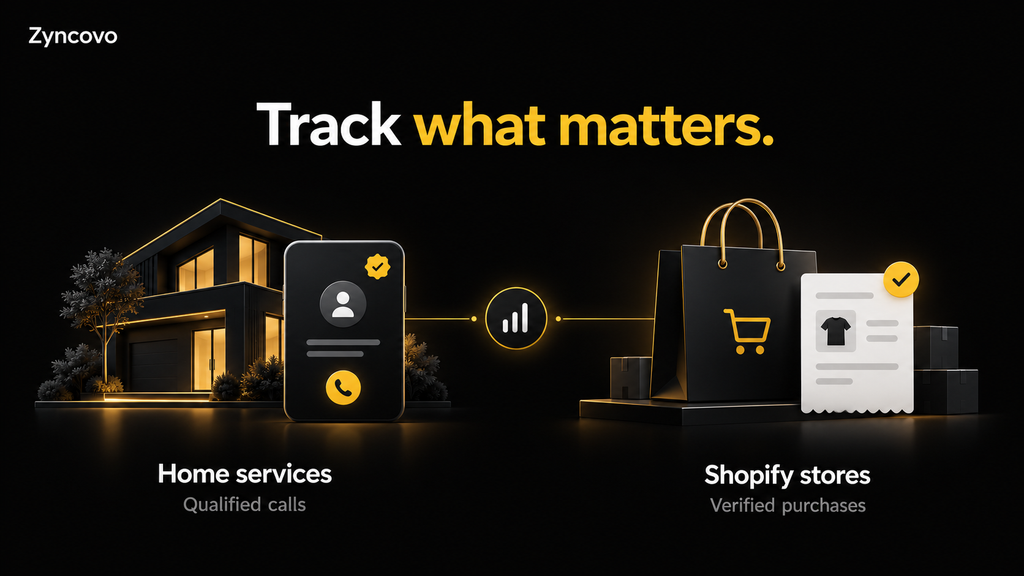
| Primary conversion | Qualified lead: call over 60 seconds, booked appointment, quote form | Purchase |
| Biggest tracking gap | Phone calls and lead quality | Revenue accuracy and duplicates |
| Value tracking | Estimated value per lead type | Dynamic order value from the data layer |
| Key upgrade | Enhanced conversions for leads + offline conversion import from CRM | Enhanced conversions + transaction ID deduplication |
| Natural next bid strategy | tCPA, then value-based bidding once lead values are reliable | tROAS once value data is stable |
For service businesses: a form fill isn’t a customer. If half your leads are spam or out of area, Google is learning from junk. Importing “qualified” or “closed” statuses from your CRM is what lets you scale on real jobs instead of cheap enquiries.
For ecommerce: conversion value tracking for ecommerce is everything. Shopify and WooCommerce often have more than one tracking source installed (a native channel app, a plugin and a manual GTM tag). Pick one source for the Google Ads purchase conversion and turn the others to secondary.
Common conversion tracking mistakes we see
These come up again and again when we audit accounts. Most take minutes to fix once you know where to look.
- Too many primary conversions. Page views, clicks on “Contact us” and newsletter sign-ups all set as primary. Bidding treats them the same as a sale.
- Duplicate conversions in Google Ads. The GA4 import and the Google Ads tag both count the purchase, or the tag fires on every reload of the thank-you page.
- Counting phone number clicks as calls. A tap on the number isn’t a conversation. Use call tracking with a minimum call length instead.
- Static values on an ecommerce store. Every order reported as $1 makes tROAS useless.
- No Conversion Linker tag. Clicks lose their link to the conversion, especially in Safari.
- Tracking breaks after a website update and nobody notices for weeks. Meanwhile, Smart Bidding keeps learning from bad data.
- Switching to tROAS or tCPA too early, before there’s enough clean conversion history to learn from.
When to get professional help
You can handle the basics yourself with this checklist. It’s worth bringing in a specialist when:
- You spend enough on Google Ads that a 20% data error costs real money every month
- Google Ads numbers and your sales numbers don’t match and you can’t find why
- You want enhanced conversions, offline conversion import or server-side tracking but don’t have a developer
- You plan to switch to tROAS or tCPA and need confidence the data is clean first
At Zyncovo, every Google Ads engagement starts with a tracking audit before we touch bids or budgets, because scaling on broken data only makes the problem bigger, faster.
Not sure your tracking is right? Book a Google Ads conversion tracking audit with Zyncovo and we’ll show you exactly what’s being counted, what’s missing and what to fix before you scale.
FAQs
What is Google Ads conversion tracking?
Google Ads conversion tracking records valuable actions people take after clicking or viewing your ad, such as a purchase, form submission or phone call. Google Ads uses that data to report results and to train automated bidding.
Do I need both GA4 and Google Tag Manager?
You don’t strictly need either to track Google Ads conversions, but using both is the most flexible setup. GTM manages all your tags in one place, and GA4 shows the full customer journey across every channel, not just ads.
How many conversions does Smart Bidding need?
Google recommends at least 15 conversions in the past 30 days for Target ROAS on Search and Shopping. In practice, more clean conversions mean steadier performance, so accuracy matters more than volume alone.
Why are my Google Ads conversions higher than my actual sales?
Usually because of duplicate conversions (two tags counting the same action), secondary actions set as primary, or a purchase tag firing again when the thank-you page reloads. Check each primary conversion action and its source.
What are enhanced conversions in Google Ads?
Enhanced conversions send hashed first-party data, like an email address, alongside your conversion tag. Google matches it to signed-in users to recover conversions that cookies alone would miss.
Is consent mode v2 required for US businesses?
Google’s requirement applies to traffic from the European Economic Area. If you only advertise in the US, it isn’t required by Google today, but it’s needed if you target EEA users. US state privacy laws may still affect how you collect data, so check with your legal advisor.
Ready to build your growth engine?
Book a free audit. We'll review your ads, SEO, website, and tracking, and hand you a clear, prioritized plan, whether or not you work with us.